SET
Step 1 - Set the Scene
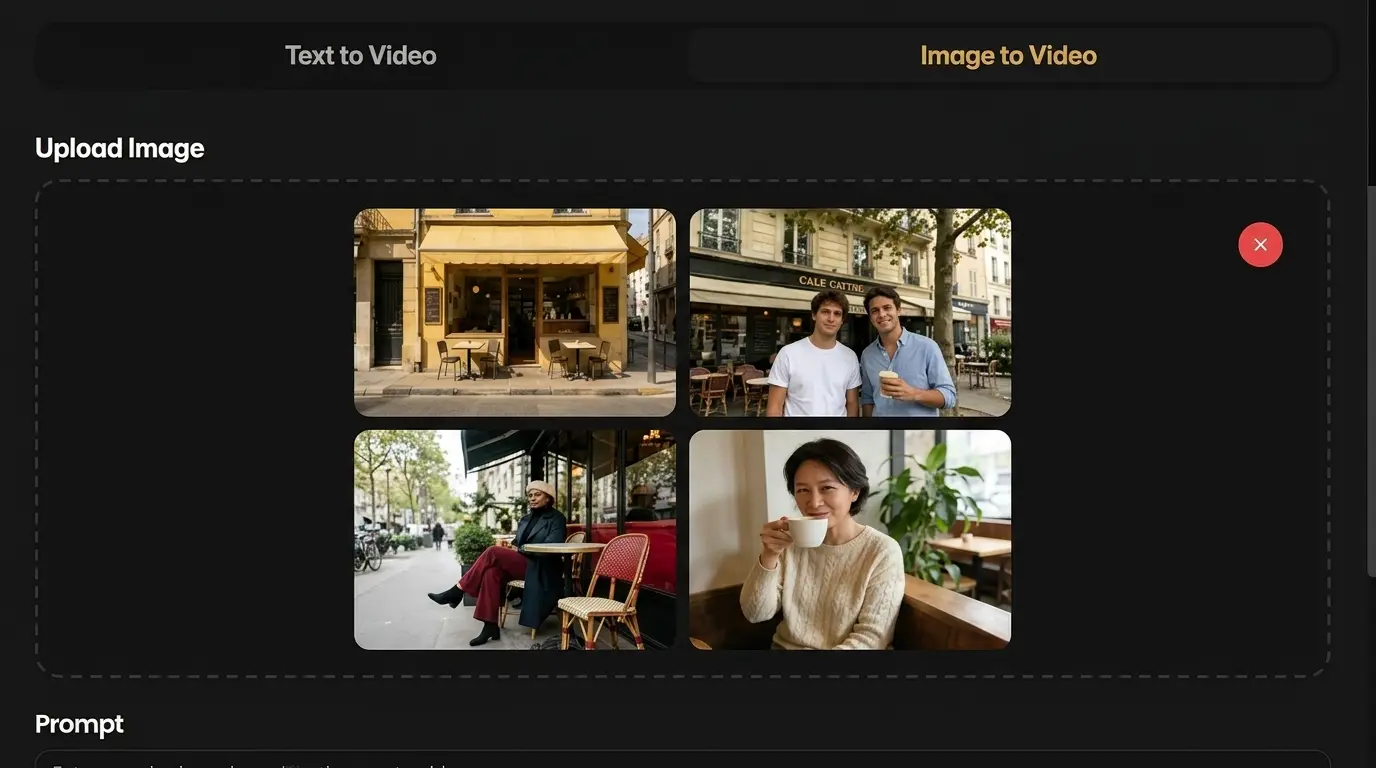
Start with a prompt, image, audio file, or reference clip. Describe the subject, camera move, mood, and sound direction you want Seedance 2.0 to follow.
Upload Media
Click to upload assets
Max 12 total (≤9 images, ≤3 videos, ≤3 audio). Video/Audio ≥2s each, total ≤15s. Image/Video/Audio <10MB/50MB/10MB.
Free signup includes 5 trial credits, enough to test the model risk-free.
Cinematic Creation
Supports text, image, audio, and video references with precise motion, consistency, and immersive audio-visual output.
Seedance 2.0 is an AI video generator for making short clips from text prompts and reference media. It is built for scenes that need motion, sound, camera direction, and visual consistency to work together.
Use it when a still image is not enough. Describe the scene, add reference material, choose a format, and generate a clip with synchronized audio-visual output.
Input
Prompt, image, video, audio
Output
Short cinematic clips
Best for
Ads, demos, social posts
Build Seedance 2.0 videos from prompts and references, then steer motion, camera behavior, sound, and output style without opening a traditional editing suite.
Start with a written prompt, a reference image, or both. Seedance 2.0 turns the input into a short video while keeping the scene direction clear.
Guide the clip with images, video references, and audio cues. This helps you carry over composition, movement, visual style, and sound direction from the materials you already have.
Write prompts for camera movement, subject action, pacing, and transitions. Seedance 2.0 is useful when you want a clip to feel directed instead of randomly animated.
Create short videos with sound designed to match the scene. Use it for social ads, product shots, film tests, and quick story moments that need audio and motion together.
Create your first Seedance 2.0 video in a simple loop: set the scene, generate, then refine the clip for the final use case.
Start with a prompt, image, audio file, or reference clip. Describe the subject, camera move, mood, and sound direction you want Seedance 2.0 to follow.
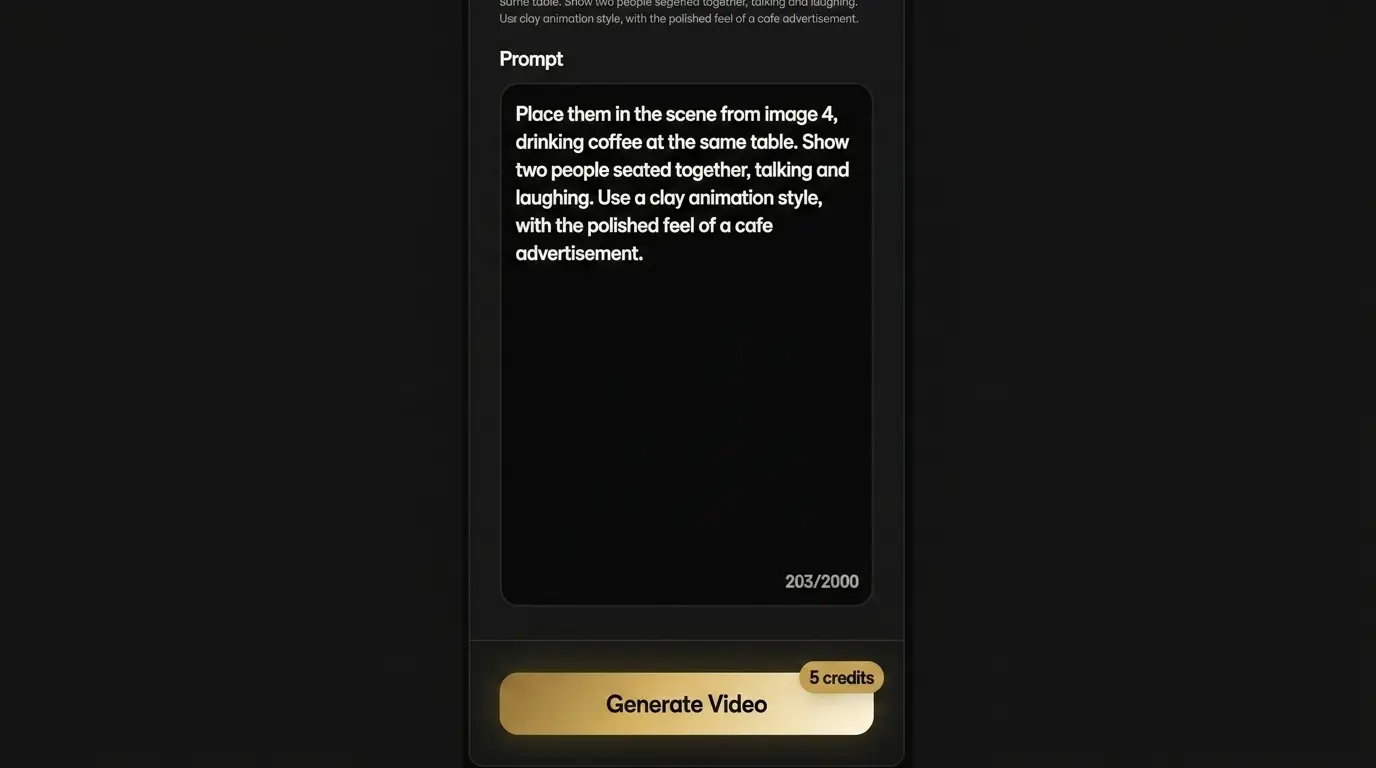
Seedance 2.0 builds a short cinematic video with controlled motion, consistent scene details, and audio-aware timing for the first draft.
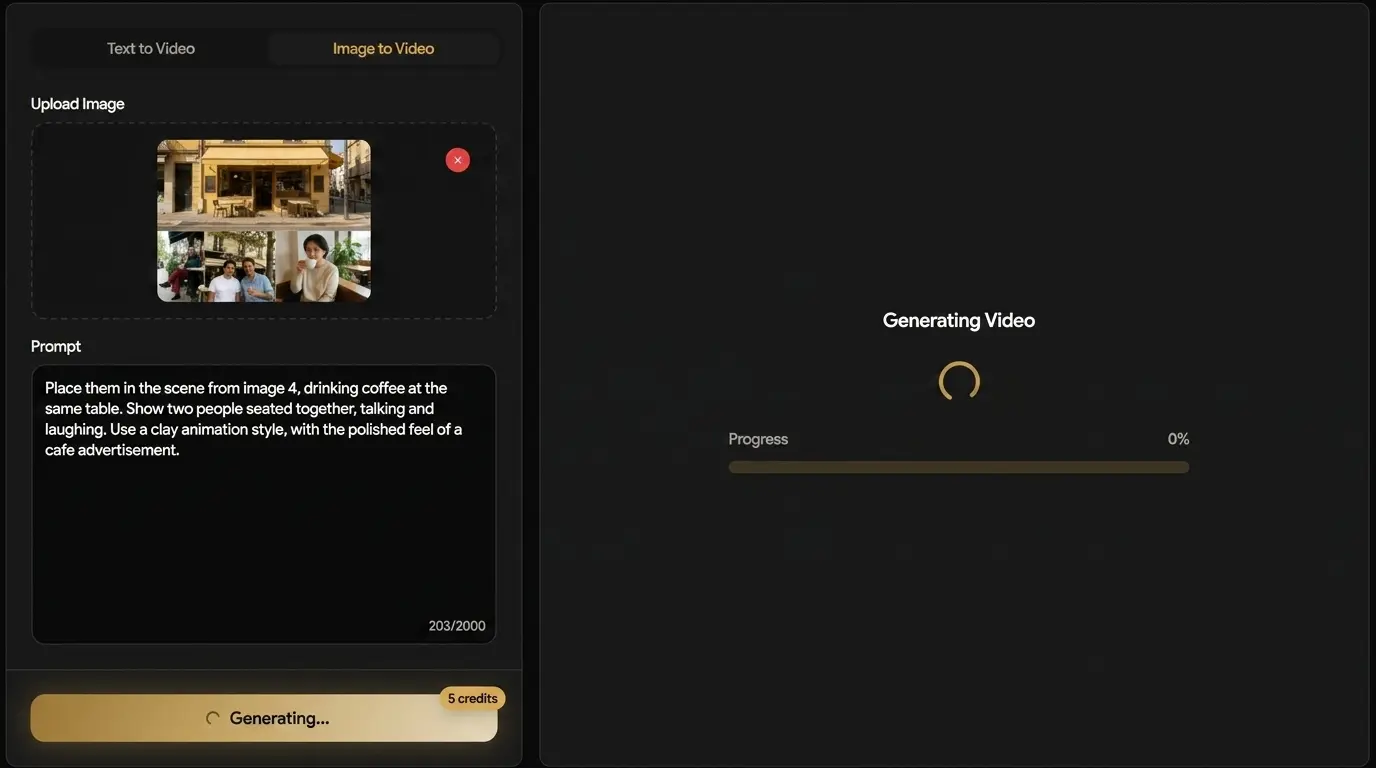
Preview the result, adjust the prompt or reference media, then export a polished clip for ads, product stories, social posts, or creative testing.
Examples and demos
Browse sample clips that show how Seedance 2.0 handles sports motion, character scenes, cinematic action, product-style storytelling, and social-ready formats.
Seedance 2.0 fits creators and teams that need short AI video clips for publishing, pitching, testing, and visual planning.
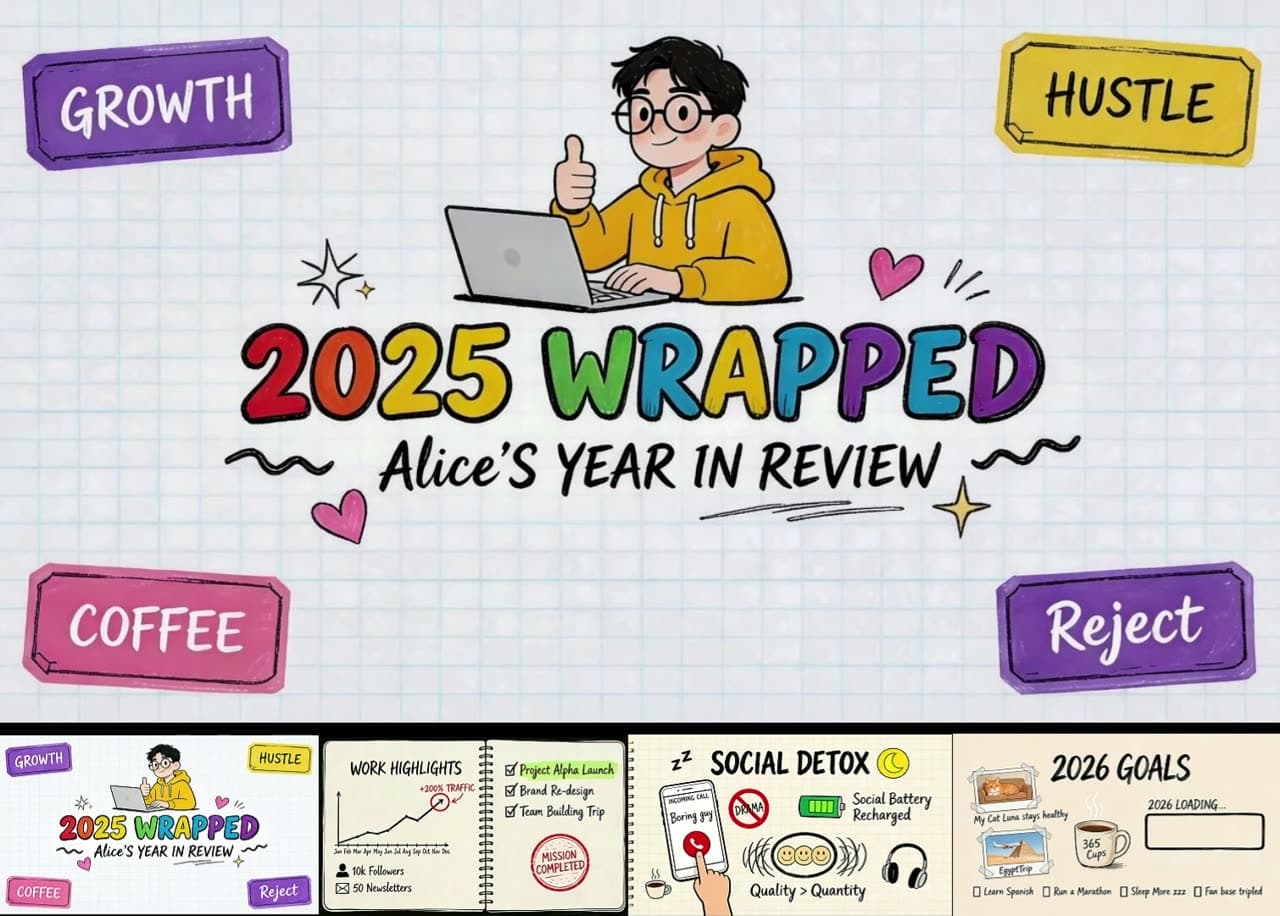
Turn one product idea into several short video directions before you spend budget on a full shoot.
Preview a scene, camera move, or mood before building a larger treatment or production plan.
Create quick character actions, cutscene ideas, and environment shots with motion and sound.
Place a product into a more active scene so shoppers can understand use, scale, and mood faster.
Make short vertical or widescreen clips for hooks, teasers, intros, and campaign experiments.
Many AI video tools can make a clip from a prompt. Seedance 2.0 is a stronger fit when your brief needs references, synchronized sound, and more control over how the scene moves.
Choose it when you need a short AI video workflow that accepts references, controls motion, and keeps generation close to review.
Ovi AI workflow
01
Prompt
02
Reference
03
Generate
04
Refine
Guide the first draft with text, images, video clips, or audio cues instead of relying on a prompt alone.
Shape movement, angle, pacing, and mood when the scene needs more direction than a simple animation.
Move quickly from idea to usable drafts for ads, demos, storyboards, and social content.
Generate, review, and refine inside Ovi AI before moving into heavier editing tools.
Choose the perfect Seedance 2.0 plan for your video generation needs. Each video generation costs 5 credits (5 seconds duration).
Answers for creators comparing Seedance 2.0 with other AI video generators.
Seedance 2.0 is an AI video generator for creating short clips from text prompts and reference media. It is designed for cinematic motion, synchronized sound, and controllable scenes.
Write a prompt, choose your aspect ratio and resolution, add reference assets if needed, then generate the video. You can review the result and adjust the prompt for another version.
Yes. Seedance 2.0 can use image references to guide the look, subject, and composition of a generated clip.
Yes. Seedance 2.0 is built for audio-visual output, so sound can support the action and mood of the video instead of being added as an afterthought.
You can work with text prompts and reference media such as images, video clips, and audio. The exact upload limits are shown in the generator before you create.
Seedance 2.0 is best suited for short clips such as ads, hooks, teasers, product demos, and concept shots. The available duration options are shown in the generator.
Yes. Seedance 2.0 is useful for short social clips because you can test prompts, formats, and scene ideas quickly before choosing the version to publish.
Seedance 2.0 is a good fit when you need more than a simple text prompt. It supports reference-driven direction, synchronized sound, and controlled motion for short cinematic clips.
Yes. You can use Seedance 2.0 to test product scenes, lifestyle shots, and demo-style clips before producing final campaign assets.
No. You can start with a plain-language prompt. Better prompts and clearer references usually produce more useful results, but you do not need professional editing software to begin.
Turn a prompt or reference asset into a short AI video with controlled motion and synced sound. Start with a simple scene and refine from there.