01
Short Ad Hooks
Turn a product still into a punchy opener with voice-over and light effects, ready for paid social placements.
Create professional, audio-synced videos from a single prompt. Ovi generates voice, music, and perfectly matched lip-sync in one pass.
Click to upload
Prompt:A close-up of a battle-worn soldier in bright daylight, dirt and scratches on his face, wearing tactical gear. He grips his weapon tightly, breathing heavily, sweat glistening on his skin.
Camera: static medium close-up, keeping the soldier's face and weapon clear in frame with high exposure, no dark shadows. Mood: tense, urgent, cinematic realism.
<S>We don't have much time! Stay sharp!</S>
<AUDCAP>Heavy breathing, distant gunfire echoing, faint radio static, low rumble of explosions far away</AUDCAP>
One workspace for image-to-video, locked audio, and natural-language direction, tuned for cinematic micro-clips you can publish the same day.
From quick social hooks to branded character moments, the generator keeps picture and sound locked together so you spend less time fixing timelines.
Turn a product still into a punchy opener with voice-over and light effects, ready for paid social placements.
Animate a headshot with scripted lines; lip movement and room tone stay believable for explainers and updates.
Bring diagrams and slides to life with gentle motion plus narration, ideal for micro-learning modules.
Add subtle rotation, glow, or reaction shots to hero images while the soundtrack reinforces your message.
Build mood-led clips with drifting camera moves, ambient beds, and a spoken line to open a series or event.
Ship daily clips with synced audio, faster drafts, fewer reshoots, and consistent quality across channels.
Teams across marketing, education, and social share how synced audio-video output keeps their calendars full without a traditional edit bay.
“This studio cut my posting workflow in half. Lip sync stays tight and five-second cuts drop straight into Reels without extra editing.”
Content Creator
“Our mascot keeps the same face and wardrobe across batches, so reruns no longer drift away from brand guidelines.”
Brand Manager
“Storyboard previews look cinematic enough for client reviews. I iterate mood and camera notes before animating finals.”
Freelance Animator
“This studio cut my posting workflow in half. Lip sync stays tight and five-second cuts drop straight into Reels without extra editing.”
Content Creator
“Our mascot keeps the same face and wardrobe across batches, so reruns no longer drift away from brand guidelines.”
Brand Manager
“Storyboard previews look cinematic enough for client reviews. I iterate mood and camera notes before animating finals.”
Freelance Animator
“Campaign turnarounds used to take days. Now we ship synced picture-and-sound drafts the same afternoon, and clients sign off faster.”
Marketing Director
“Short vertical hooks are one prompt away. I A/B test hooks in an afternoon instead of booking another shoot.”
Social Media Manager
“We replaced a costly agency sprint for launch teasers. Quality held up and the budget went back into distribution.”
Startup Founder
“Campaign turnarounds used to take days. Now we ship synced picture-and-sound drafts the same afternoon, and clients sign off faster.”
Marketing Director
“Short vertical hooks are one prompt away. I A/B test hooks in an afternoon instead of booking another shoot.”
Social Media Manager
“We replaced a costly agency sprint for launch teasers. Quality held up and the budget went back into distribution.”
Startup Founder
“Lesson teasers finally feel alive. Dialogue tracks line up with the speaker and learners stay engaged longer than with slides alone.”
Educator
“Speech tags are the difference: dialogue and room tone land together, so I spend less time fixing audio in post.”
Video Producer
“Color and motion feel intentional, not jittery loops. Creative prompts translate into clips I am proud to sign.”
Digital Artist
“Lesson teasers finally feel alive. Dialogue tracks line up with the speaker and learners stay engaged longer than with slides alone.”
Educator
“Speech tags are the difference: dialogue and room tone land together, so I spend less time fixing audio in post.”
Video Producer
“Color and motion feel intentional, not jittery loops. Creative prompts translate into clips I am proud to sign.”
Digital Artist
“This studio cut my posting workflow in half. Lip sync stays tight and five-second cuts drop straight into Reels without extra editing.”
Content Creator
“Campaign turnarounds used to take days. Now we ship synced picture-and-sound drafts the same afternoon, and clients sign off faster.”
Marketing Director
“Lesson teasers finally feel alive. Dialogue tracks line up with the speaker and learners stay engaged longer than with slides alone.”
Educator
“This studio cut my posting workflow in half. Lip sync stays tight and five-second cuts drop straight into Reels without extra editing.”
Content Creator
“Campaign turnarounds used to take days. Now we ship synced picture-and-sound drafts the same afternoon, and clients sign off faster.”
Marketing Director
“Lesson teasers finally feel alive. Dialogue tracks line up with the speaker and learners stay engaged longer than with slides alone.”
Educator
Generating your first Ovi AI video takes about 2 minutes - describe, generate, then refine.
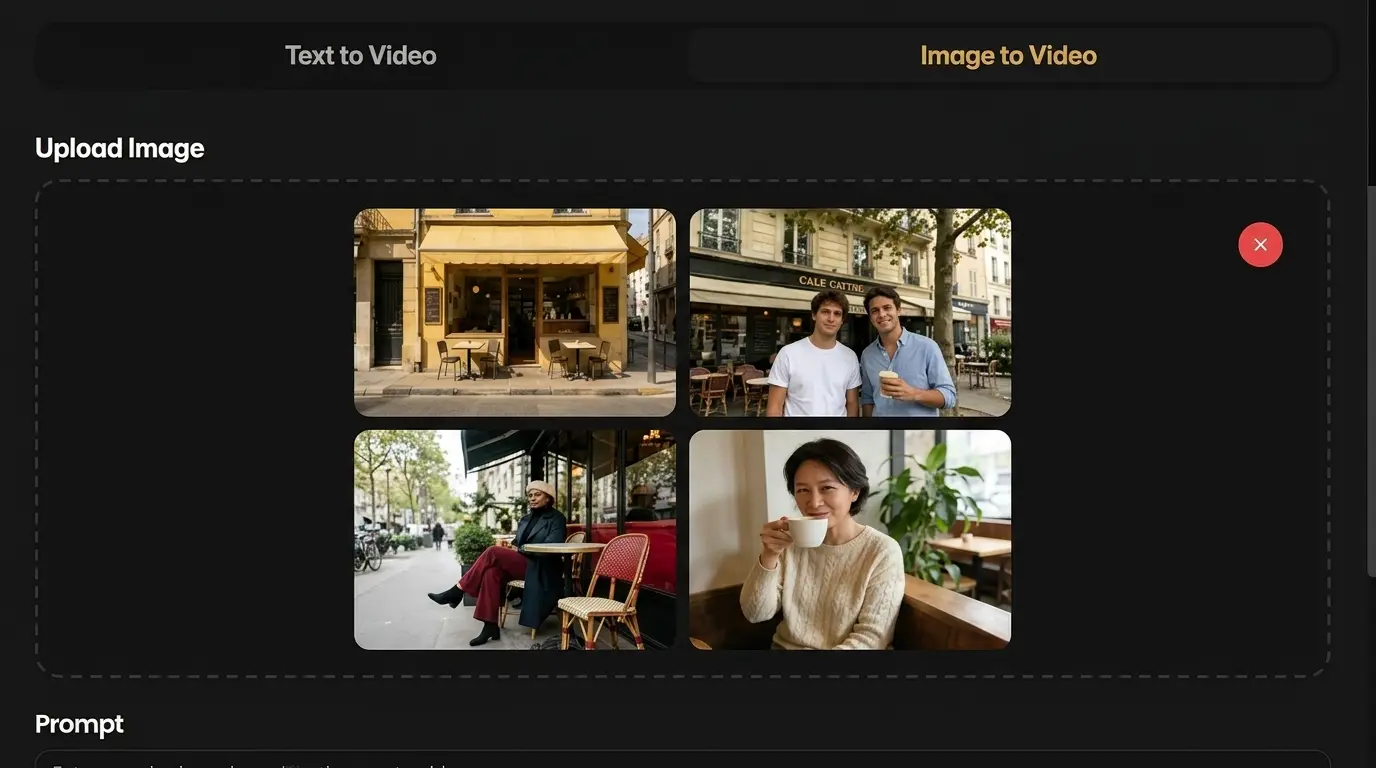
Upload a reference image or start from text. Describe the character, motion, camera, dialogue, and ambience you want Ovi AI to create.
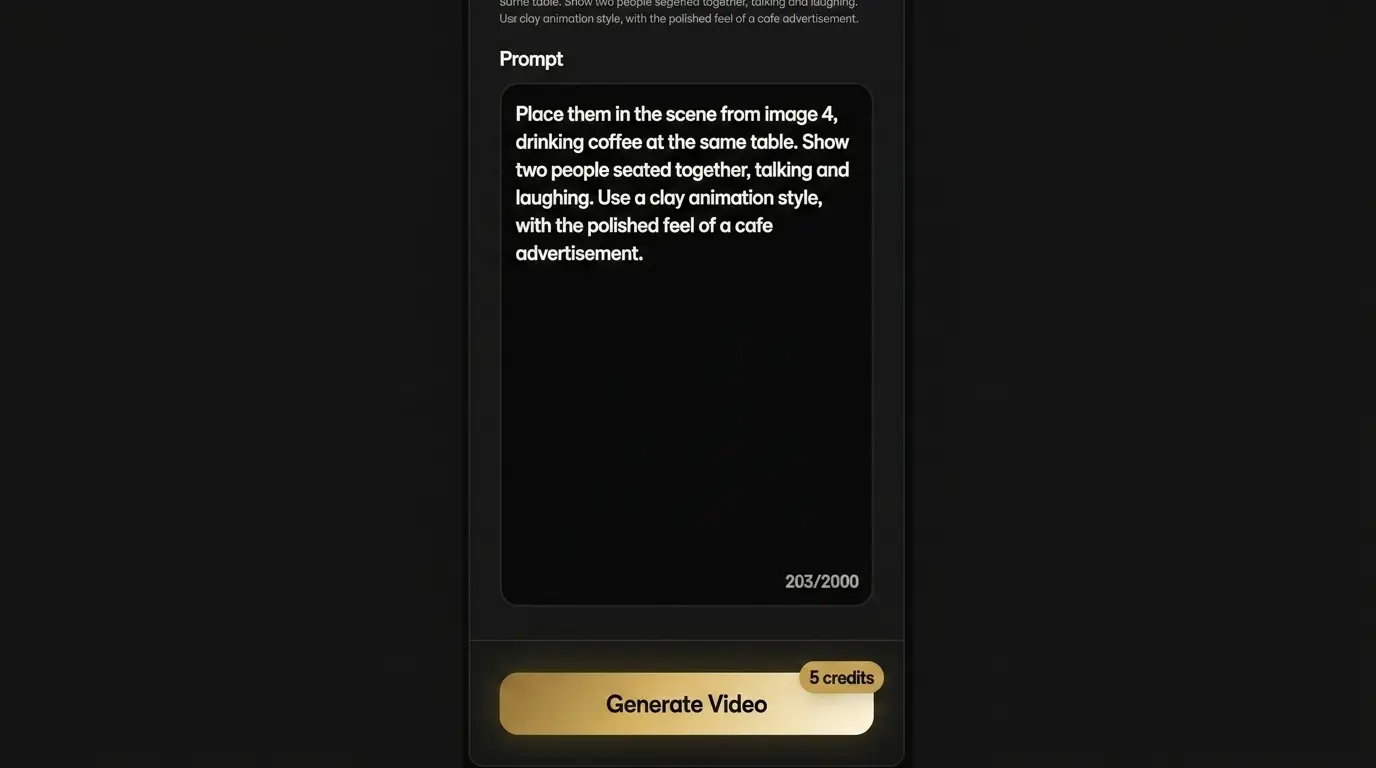
Ovi AI turns your prompt into a short cinematic clip with synchronized audio, natural movement, and scene-aware timing.
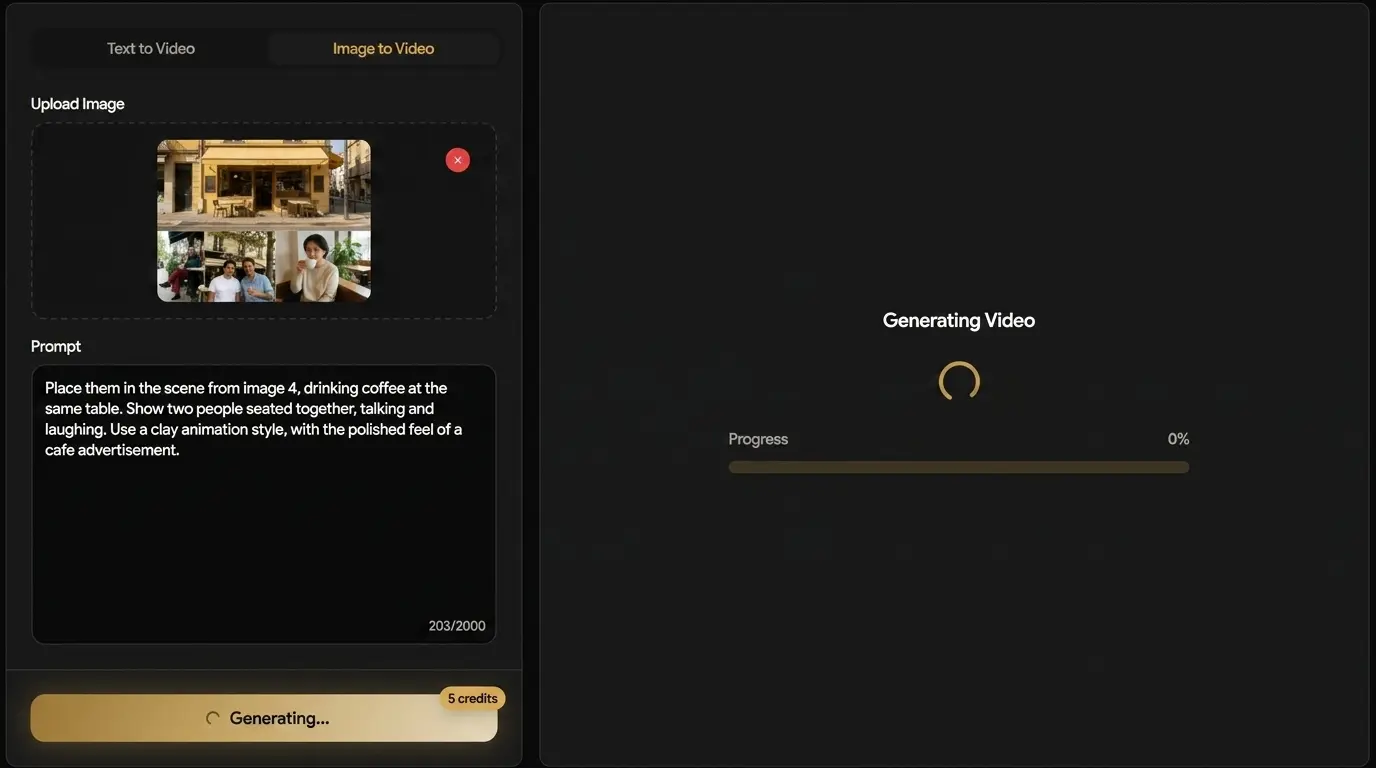
Check the result, refine the prompt, and export ready-to-post video for social, ads, product stories, or creative tests.
Sample outputs from the studio. Hover to preview with sound, click to play or pause each clip.
Pick credits that match your output volume?every five-second render in this workspace uses five credits.
Quick answers about creating synced short videos inside this workspace.
Create audio-synced AI videos with realistic motion, speech, music, and scene-ready sound from a single prompt.